Change Hugo version when deploying with Vercel Link to heading
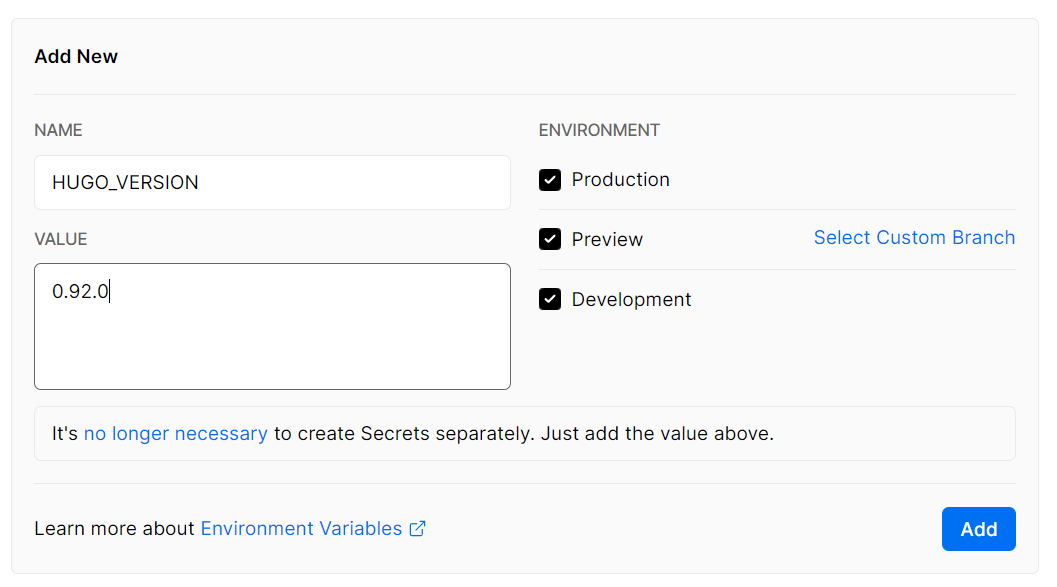
The default hugo version is 0.58.2, which is too old to support some new feature and themes. The instruction on the vercel’s website is very simple and does not include how to change the hugo version. The method online doesn’t seem to work neither (Maybe it works, but it is too complex). When I want to give up and use another platform to deploy my blog, I found cloudflare pages' documentation is clear (see here) and include how to change the hugo version. I tried the same environment variable in vercel, and it works.
Add an environment variable Link to heading
Another possible method (Has some errors) Link to heading
Install npm
- Download node.js from: https://nodejs.org/en/download/
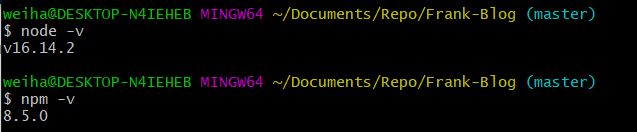
- Verify Installation
Install Vercel CLI
-
Instruction can be found at: https://vercel.com/docs/cli. I summarize some key steps.
-
npm i -g vercel

-
Relate local folder with a vercel project
vercel -
Create a
vercel.jsonin a proper location and add the following content to the file: -
{ "build": { "env": { "HUGO_VERSION": "0.96.0" } } } -
Run
vercel --local-config /path-to/vercel.json
With the above steps, you should be able to successfully deploy your website. However I get the follow error:

It seems like hugo need .git to work. However, I cannot (or it is inappropriate) to upload .git folder. If you know how to solve this error, please help! Thanks.
References: